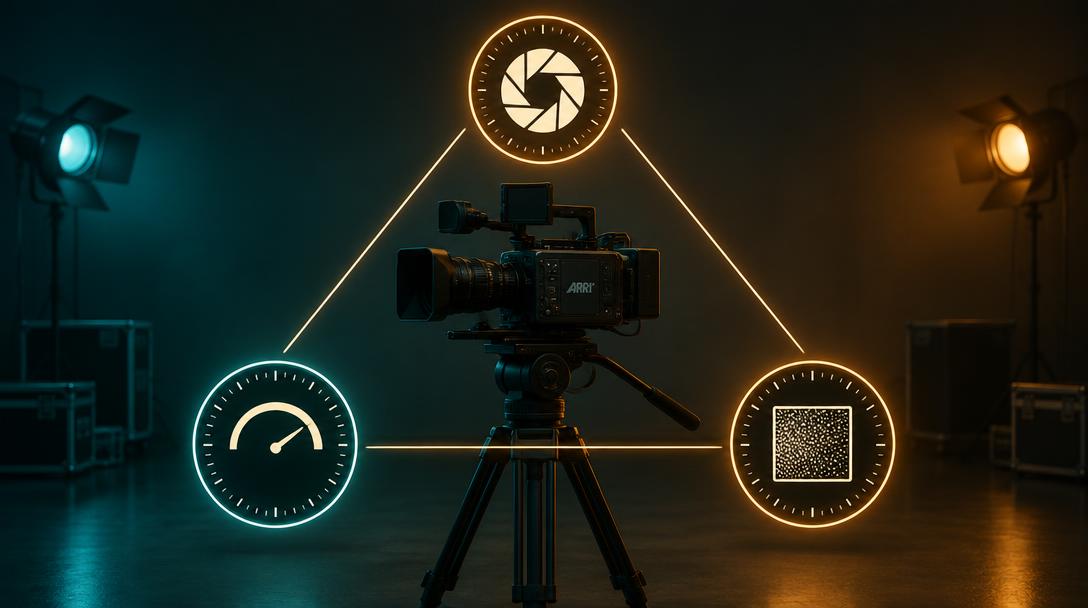
The exposure triangle
Students feel how aperture, shutter and ISO trade against each other on one image.
Build it with these tools
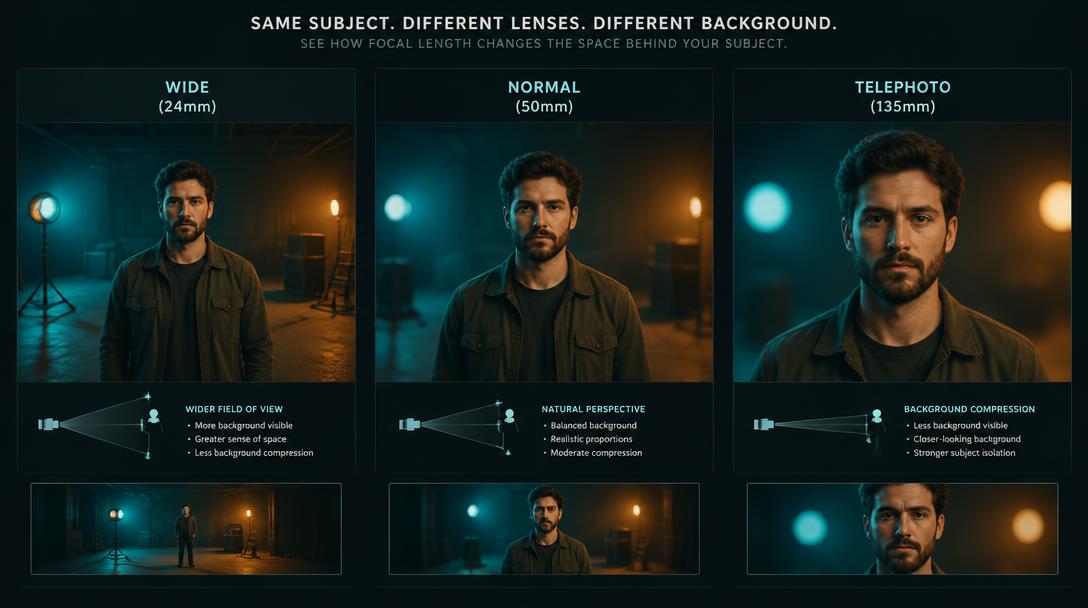
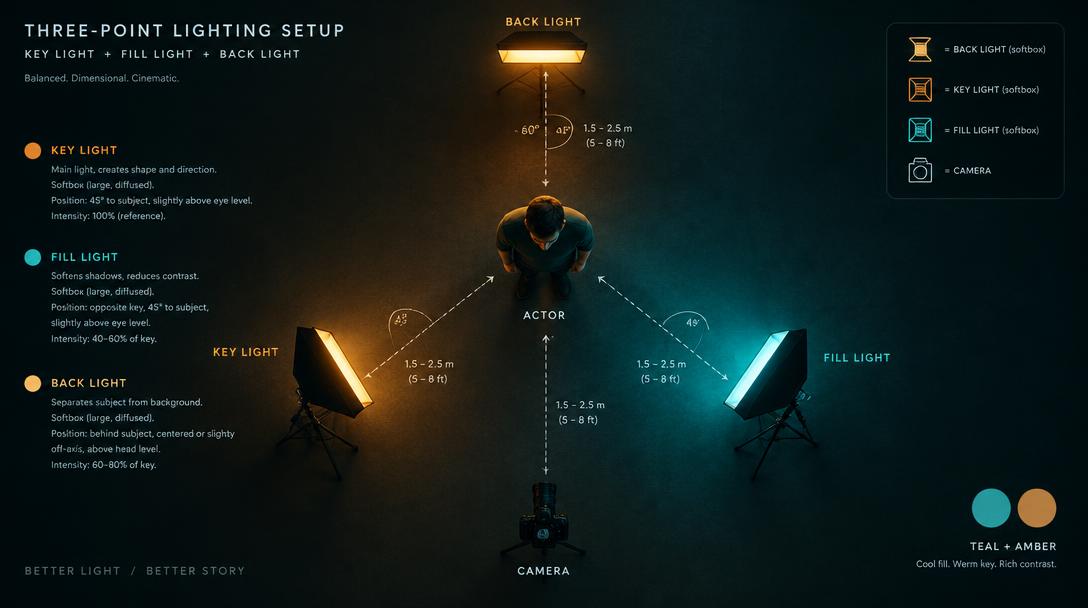
- Open the interactive training hall and load an empty black hall, then add one actor from the People tab so there is a face to expose.
- Add two lights from the Objects tab: one as key at 45°, one soft fill opposite.
- Grab a camera and set the shutter to 1/48, then let students change ISO and aperture and watch the video-assist screen.
- Save the scene from the Saved tab with a clear name such as 'Exposure — one face, two lights'.
Check understanding: Ask each student to hold the same brightness after changing ISO by one stop.