Virtual Cinematography & Lighting Studio
Enter a professional virtual soundstage on Meta Quest. Place lights, change lenses, and watch the image change in real time.
Enter the Studio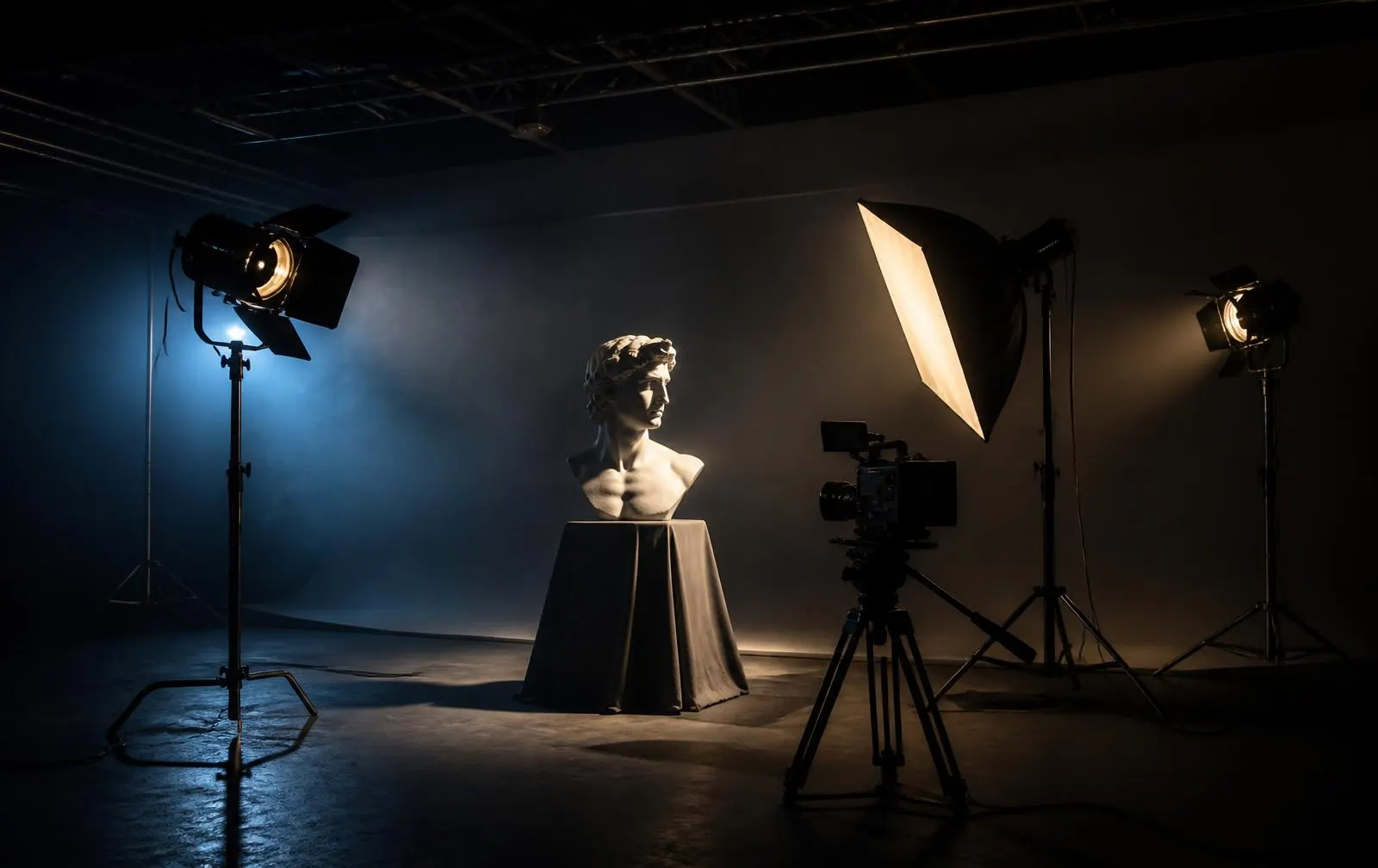
Exposure triangle simulator
Move the three settings and watch the photo change instantly.
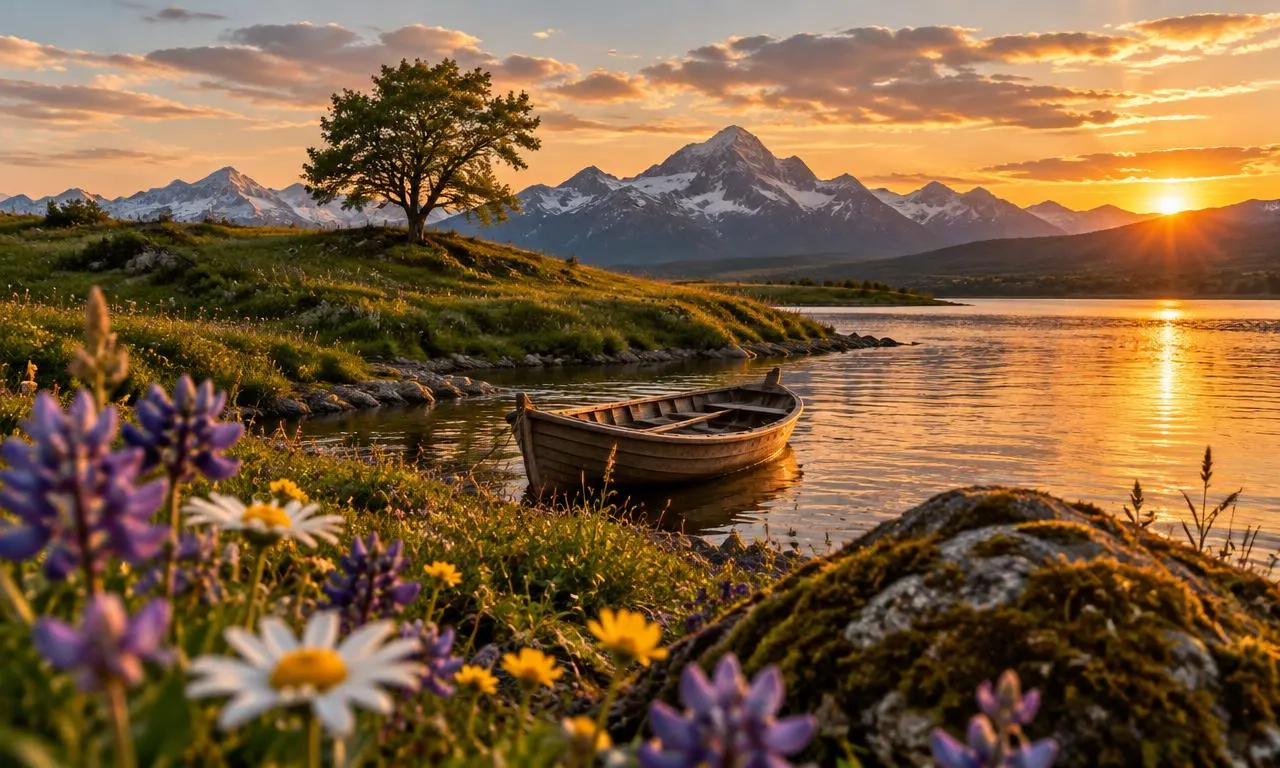
Shutter speed1/125
Fast shutter — motion frozen
ISO100
Low ISO — clean image
F-stop (aperture)f/5.6
Exposure: Correctly exposed
In the studio
- Cinema and stills cameras
- Fresnel, LED, soft and hard sources
- Key, fill, back and background light
- Reflectors, flags, diffusion and grids
- Tripods, dollies and cranes
- Green screen and interior sets
What you practice
- Aperture, shutter speed and ISO
- Exposure and depth of field
- Focal length and perspective
- Camera angle and composition
- Color temperature and white balance
- Lighting ratio, hard and soft light
Runs on the headset
The studio runs in the Meta Quest browser through WebXR, so a class can join from Quest 2, Quest 3, Quest 3S or Quest Pro with no install. The same scene also runs on a laptop for preparation and marking.
Three-pointRembrandtButterflyLoopSplit